
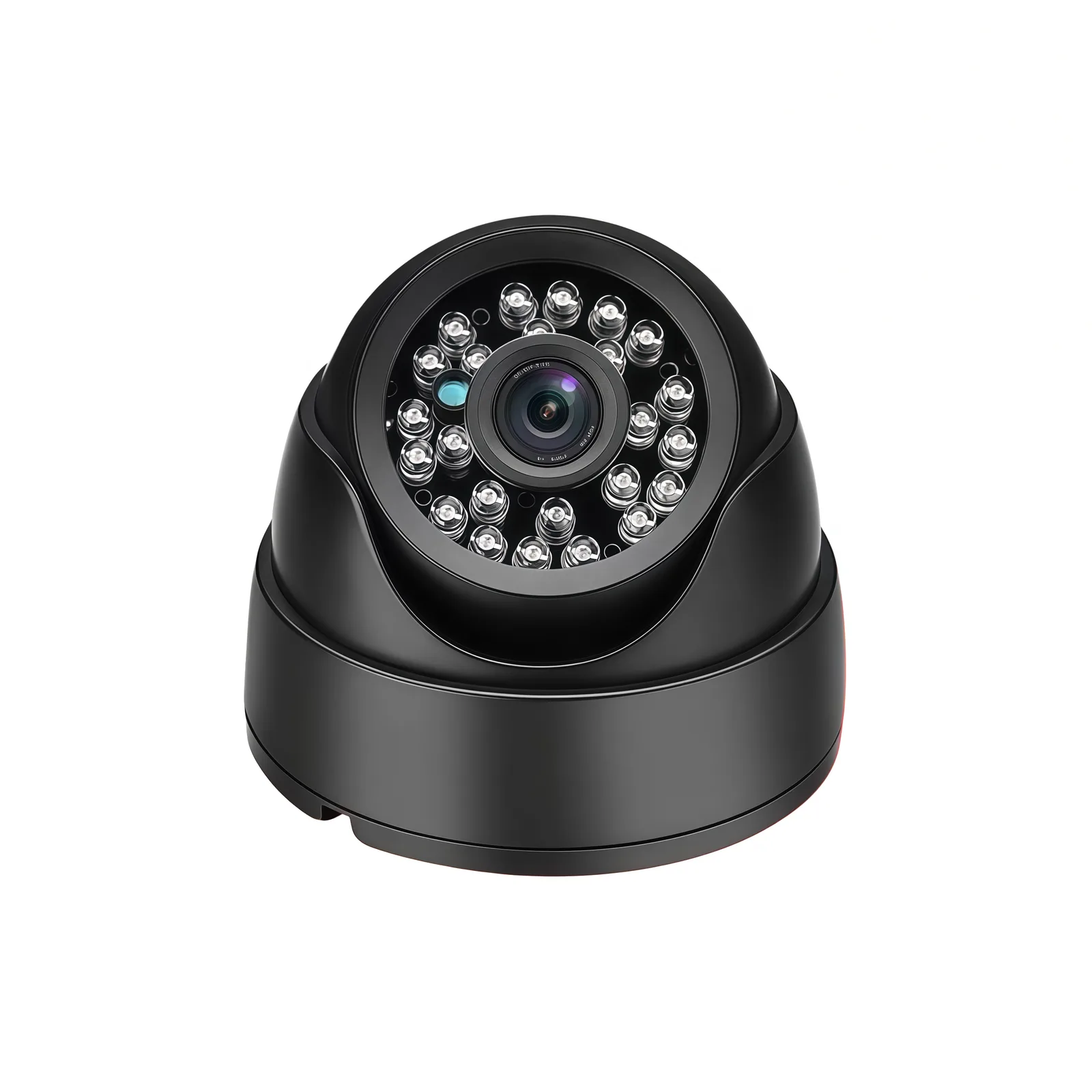
TL;DR
A truck backup camera is fitted by mounting it at the rear, routing the video and power cable to the cab, wiring it to a 12V source, and connecting a reverse-trigger wire so it shows automatically in reverse. Choose AHD for existing analog displays, USB where the monitor accepts it, and confirm the housing is IP-rated.
A truck backup (reversing) camera is one of the highest-value safety upgrades for a fleet because tight reversing into loading docks and low-light maneuvering are where rear-end and pedestrian incidents happen. Retrofit is straightforward when you match the camera to the display, wire it to a stable 12V source, and mount it where it actually covers the rear.
This guide walks through the install for a commercial truck.
Step 1 — Choose the camera to match your display
Before anything, confirm what your display or recorder accepts:
- AHD over coax is the common commercial standard and works with existing analog monitors and recorders. YUNTOR AHD reversing cameras include X069 (720p) and X201 (720p, IR).
- USB / UVC plugs straight into a monitor with a USB reversing input. YUNTOR USB models X012 and X070 are 1920×1080 and UVC plug-and-play; X068 is a compact USB camera with IR night vision.
If the display input is unknown, confirm it first — AHD and USB are not interchangeable without a converter.
Step 2 — Confirm power for the cab
Reversing cameras draw modest current and are usually powered from the host:
- AHD models run at DC 12V from the truck circuit; the cleaner route is powering from the display or recorder, since a direct vehicle feed can bring interference or voltage instability.
- USB models are powered from the host USB port (exact supply voltage is on the spec sheet).
Check the current draw so you size the fuse and supply — the value is listed on each camera’s spec sheet and varies with IR operation.
Step 3 — Mount at the rear for the actual blind zone
Mount the camera at the rear where it sees what the driver cannot:
- Position it to cover the area directly behind the truck over the trailer hitch and dock approach.
- Use a weatherproof, IP-rated or metal/plastic housing suited to outdoor all-weather mounting; keep the lens clean of grime by choosing a recessed or protected position.
- Run the harness into the body through a sealed grommet to avoid water ingress.
Step 4 — Route and connect the wiring
Run the video and power cable from the rear to the cab, keeping it clear of heat, moving parts and abrasion points:
- Feed the cable along the chassis or frame, securing it with clips so it does not sag or chafe.
- Connect to the 4-Pin video/audio connector (AHD models): power, ground, video, with audio where fitted.
- Connect the backup trigger to the reverse-lamp circuit if you want automatic display when reversing.
- Connect to the display or recorder input; if running from the host, power is drawn from there.
Step 5 — Verify night operation
If your truck reverses at night or in poorly lit docks, confirm the camera has IR coverage for the distance behind:
| Camera | Output | Night vision | Power |
|---|---|---|---|
| X069 | AHD 720p | IR | DC 12V |
| X201 | AHD 720p | IR | DC 12V ± 10% |
| X012, X070 | USB 1080p | IR | DC 12V ± 10% |
| X068 | USB 1080p | IR | — |
For a long trailer or dock where IR range matters, match the illumination range to the distance you actually reverse.
And once it is in
Set the image orientation (mirror vs normal) to match camera position, confirm the display switches in reverse, and test in daylight and at night. When you are specifying cameras across a fleet, matching output, power and IR range to the existing displays means one standard instead of a mix of converters.
YUNTOR builds AHD and USB reversing cameras on self-developed boards with low-MOQ OEM/ODM options, including the X069 and X201 AHD models and the USB X012 and X070 units. For fleet-wide reversing coverage these are usually specified alongside BSD blind-spot cameras and a fleet management solution. Send your display input and mounting to our engineers for a matched retrofit package.
Looking for infrared & reversing cameras?
Infrared and reversing cameras give a driver a clear view behind the vehicle day and night, from tight reversing into loading docks to low-light maneuvering. YUNTOR builds them with IR night vision, metal waterproof housings and USB or AHD output to match your monitor.